Guide to Monitoring
How to monitor your solar system from satellite, without hardware or sensors
What is Digital Twin Monitoring?
Digital Twin Monitoring creates a digital twin of your solar system. Using the exact position, slope orientation and panel characteristics, Sunnix simulates every day how much your system should have produced — and compares it with actual production.
How it works in practice
Sunnix uses real weather data for the day and PVGIS irradiation profiles from the European Commission to calculate expected production. Every day the system calibrates automatically, learning how your specific system behaves under different weather conditions.
No sensors, gateways or SIM cards needed. Just the production data your inverter already records.
How to get started in 5 steps
From creating your plant to continuous monitoring, everything you need to do
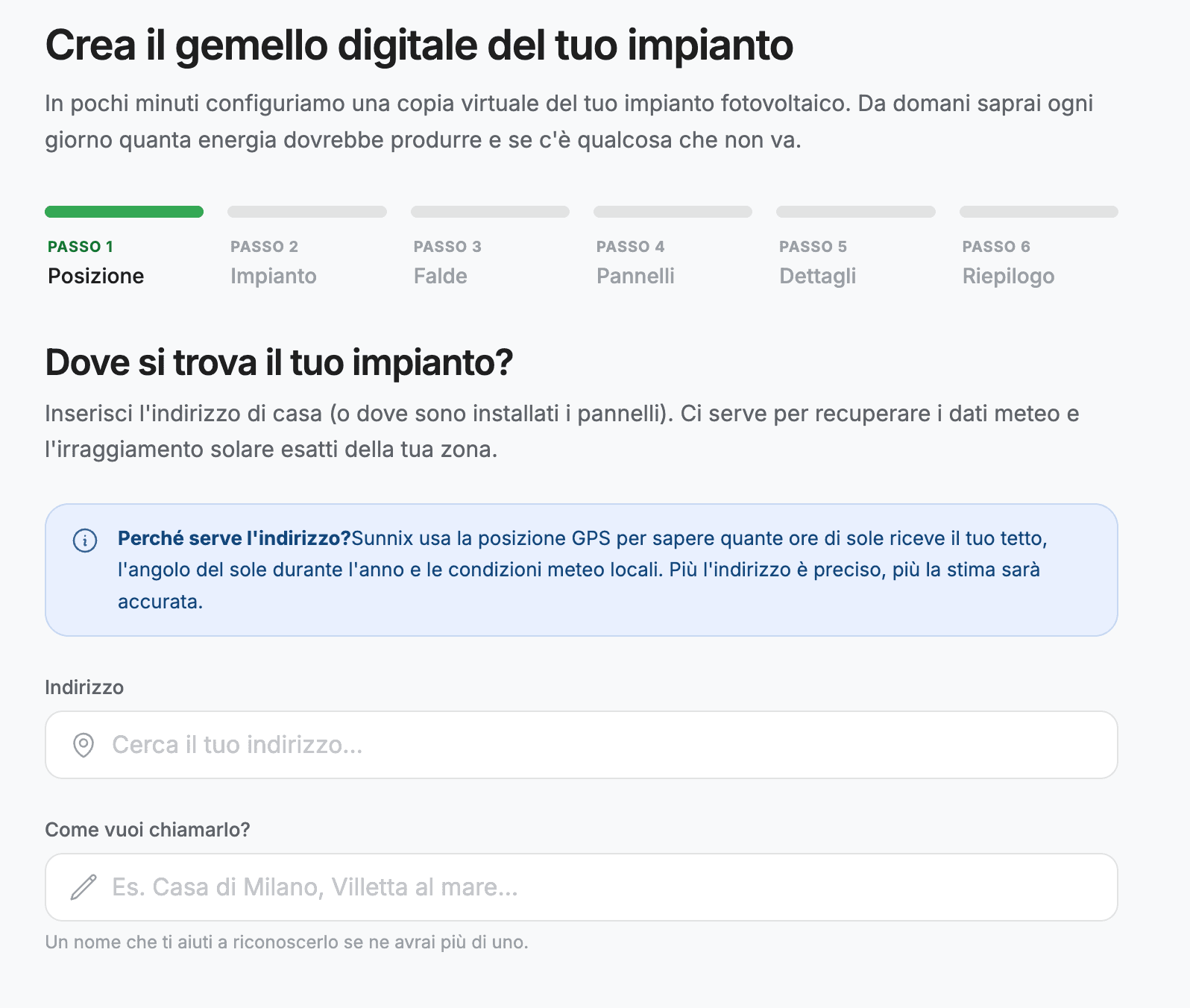
Create your plant
Log in to Sunnix and create a new plant by entering your installation data. The system uses this information to build the digital twin.
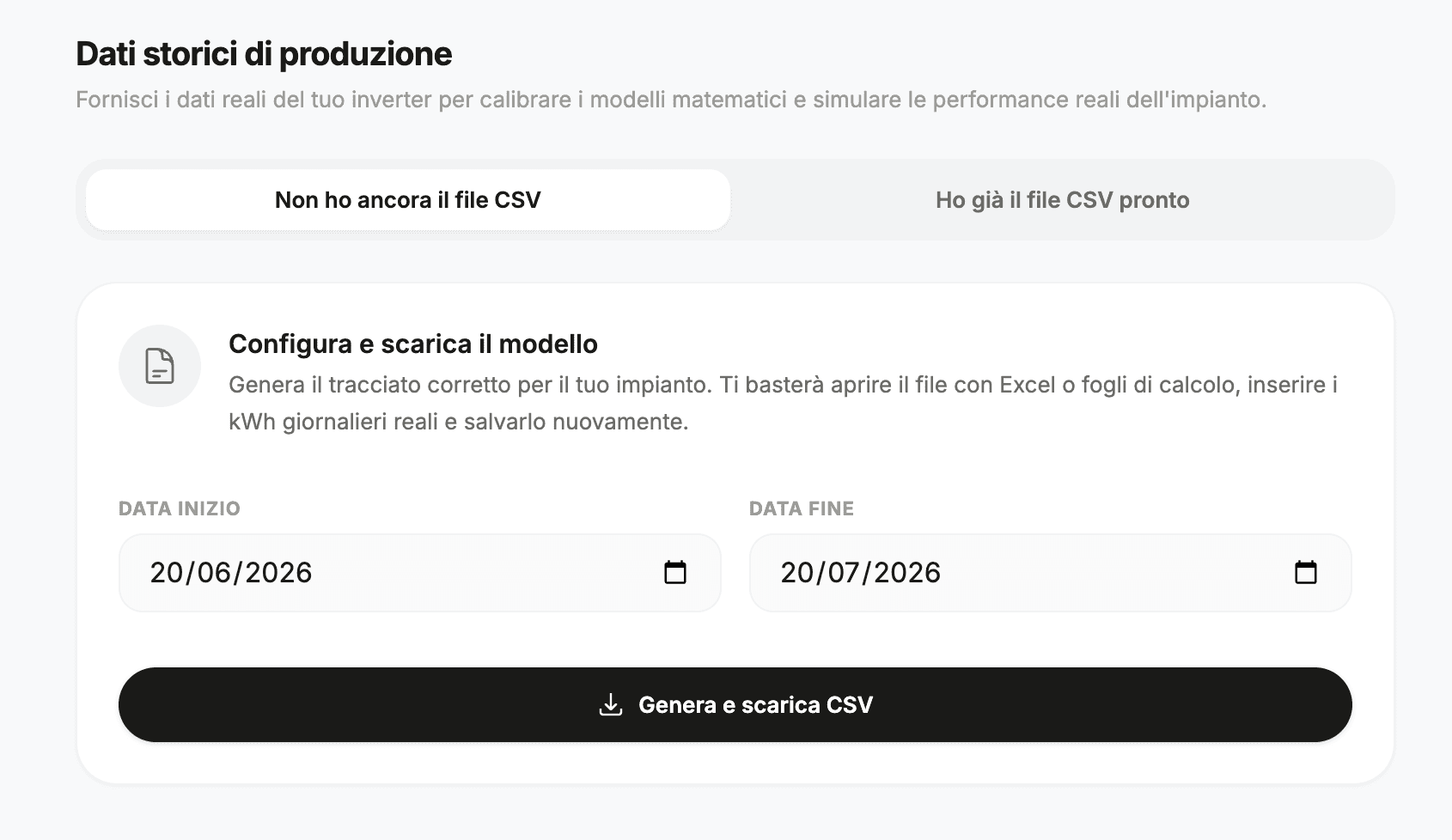
Upload production data
Export your inverter production data as a CSV file and upload it to Sunnix. You need at least 7 days of data to start calibration. The more days you upload, the more accurate the system will be.
CSV format
The file must contain the columns day, date and kwh. Dates must be in DD-Month-YYYY format (e.g. 01-Jan-2025). You can upload up to 365 days of data.
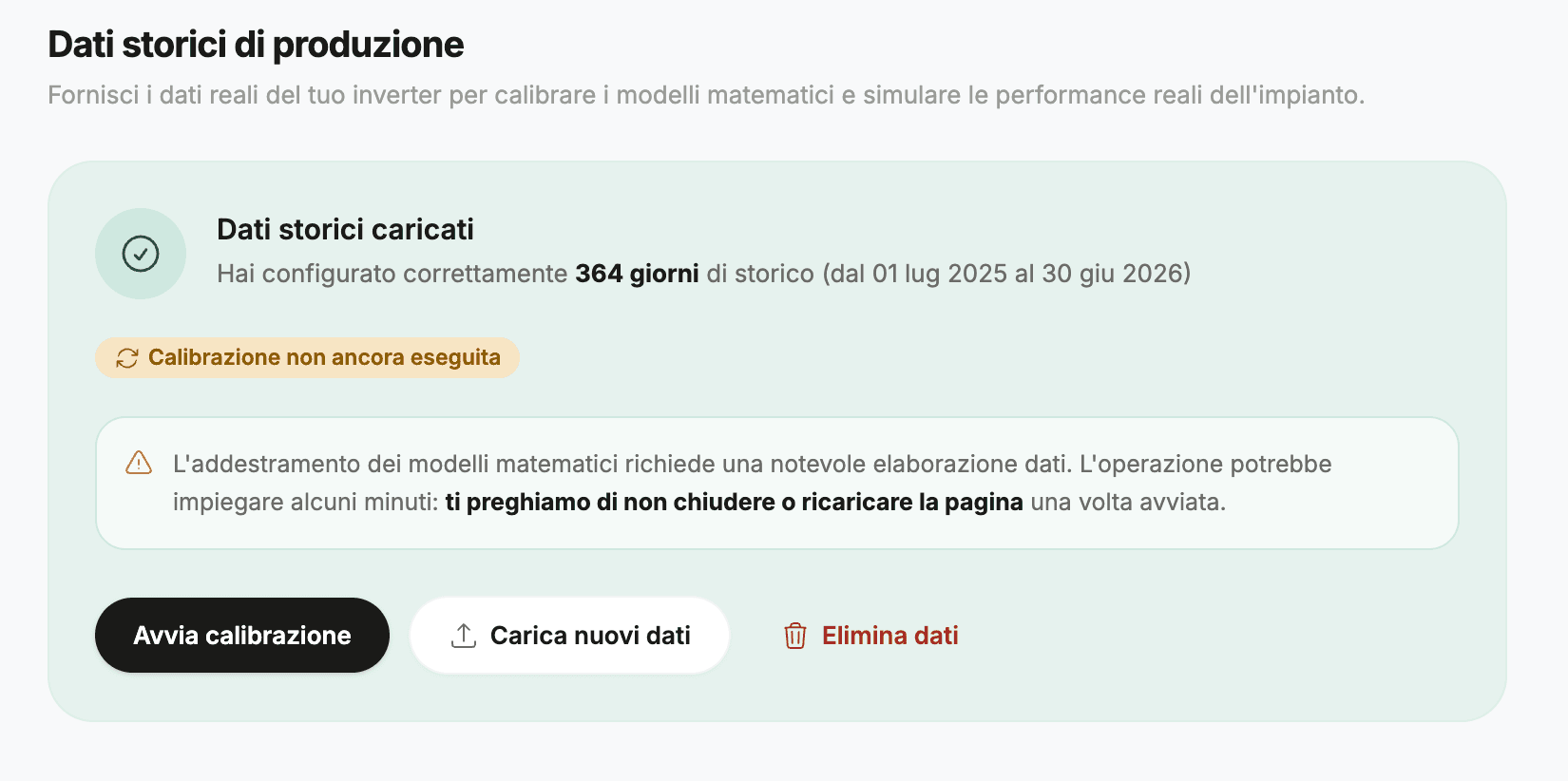
Automatic calibration
Once the data is uploaded, Sunnix starts calibration. The system compares actual production with estimated production and calculates a correction factor for each weather regime.
Sunny
Clear sky days with high direct irradiation
Mixed
Days with intermittent clouds and variable irradiation
Cloudy
Overcast days with predominantly diffuse irradiation
Adaptive Kalman filter
Calibration uses a scalar Kalman filter for each weather regime. The correction factor updates with every new measurement, becoming increasingly accurate over time. Anomalous days are automatically excluded from calibration.
Anomaly detection
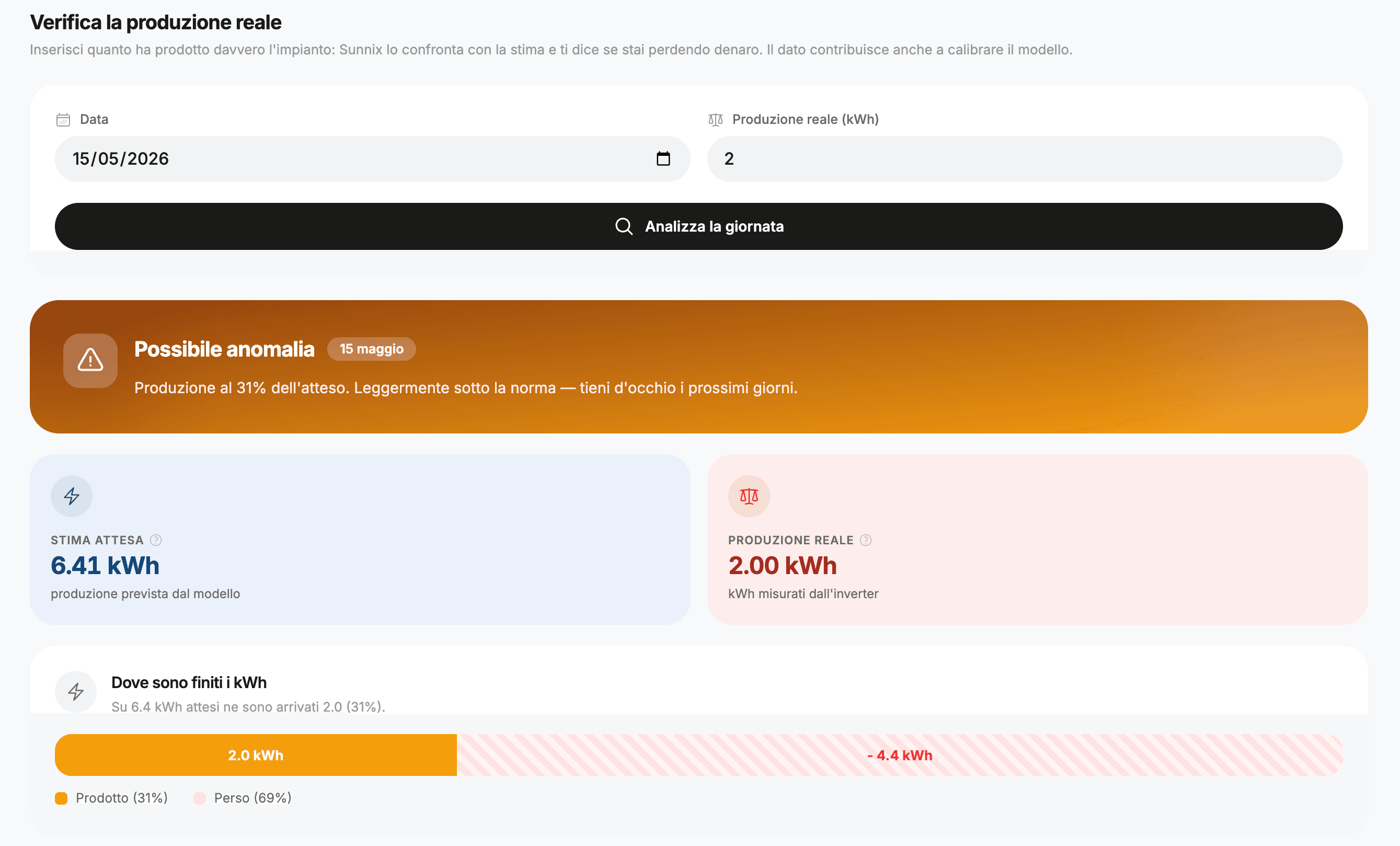
After calibration, the system can distinguish a normal day from an anomalous one. When you enter a day's actual production, Sunnix compares it with the calibrated estimate and tells you if there's a problem.
Warning
Production is below normal but within an acceptable margin. Could be a temporary dip.
Critical
Production is significantly below normal. There is likely a problem that needs attention.
Identified probable causes
Continuous monitoring
Once calibrated, the system works for you every day. Enter actual production and Sunnix tells you if everything is normal or if something is off.
Daily check
Every day you can enter actual production. The system compares, calibrates and alerts you if it detects an anomaly.
Weather event log
Sunnix logs hail, heavy rain, strong winds and snow. You always know when to clean your panels and have a history for insurance purposes.
The system improves over time
The more data you enter, the more accurate calibration becomes. Estimate uncertainty decreases progressively, giving you increasingly reliable predictions.
Start monitoring<br/>your solar system
Create your digital twin in 2 minutes. No hardware required.
No commitment · Cancel anytime