Documentation
Simulation guide
Everything you need to know to get a production and cost estimate without drawing anything
What is Simulation?
A simulation is a quick tool that allows you to get an estimate of production, costs, and savings by entering a few numerical data points, without having to draw the system on the map.
Difference from configuration
Unlike configuration, simulation is a purely mathematical calculation and does not account for the actual roof geometry (obstacles, slope shape, available space).
It is ideal for a fast production and economic estimate, but if you need precision on panel positioning (especially if there are many relative to available space), we recommend using the Configurator.
How to perform a simulation?
To start a simulation, follow these simple steps:
1
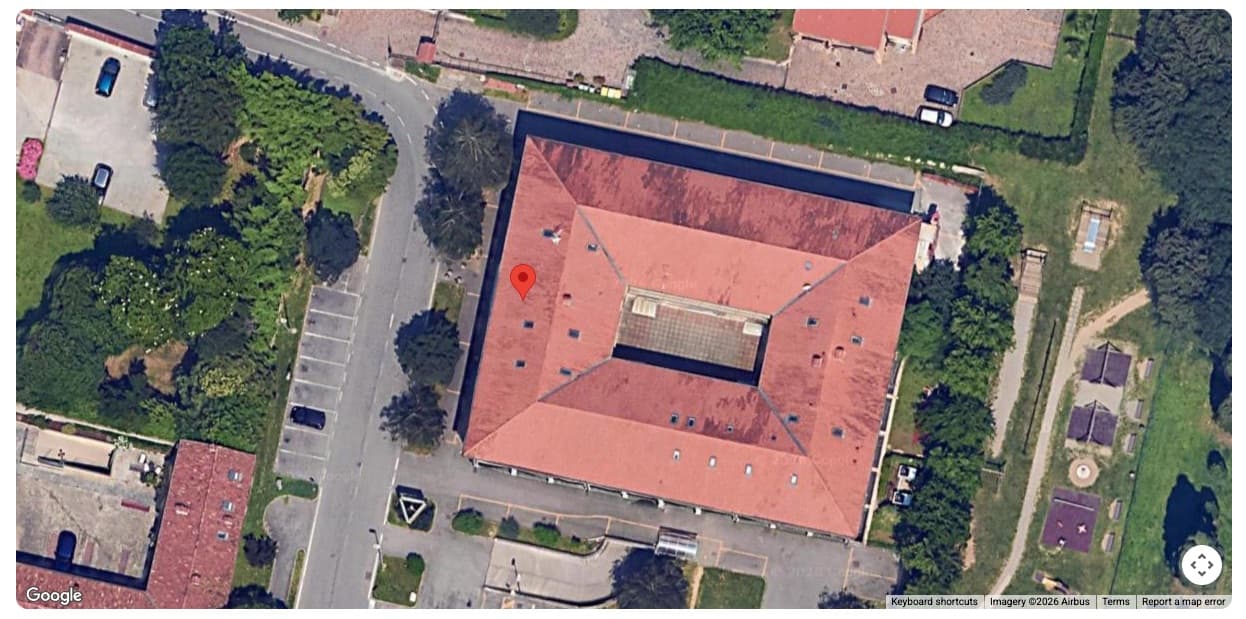
Enter address and location
Enter the full address (street, number, city, and zip code). A map with a marker will be displayed.
2
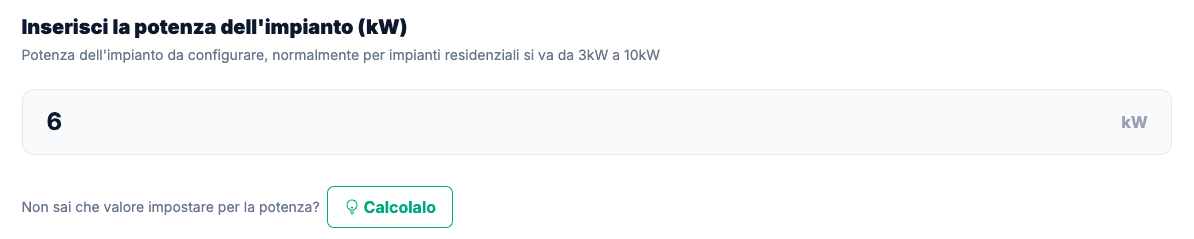
Power setting
Unlike graphical configuration, here you must set the system power you want to simulate (in kW).
3
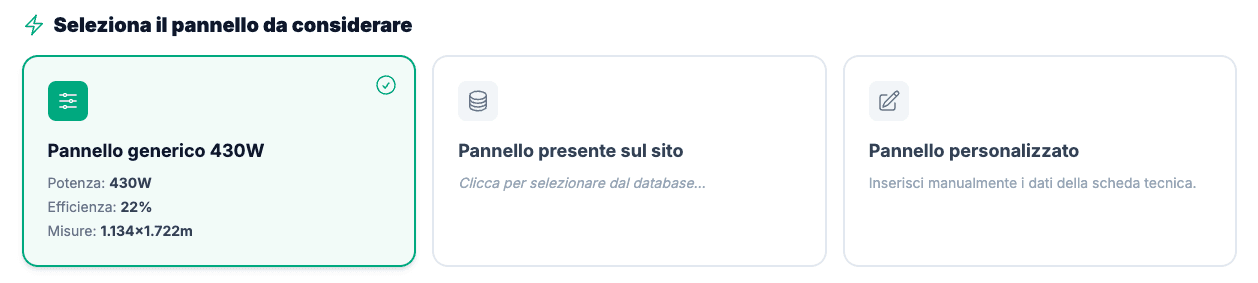
Panel selection
Choose the panel you want to simulate. You can opt for a generic panel, one from a company present on Sunnix, or enter a custom panel with its technical specifications.
- Generic 430W Panel
- Choose from panels of companies on Sunnix
- Manual:
- Enter custom technical specifications
4
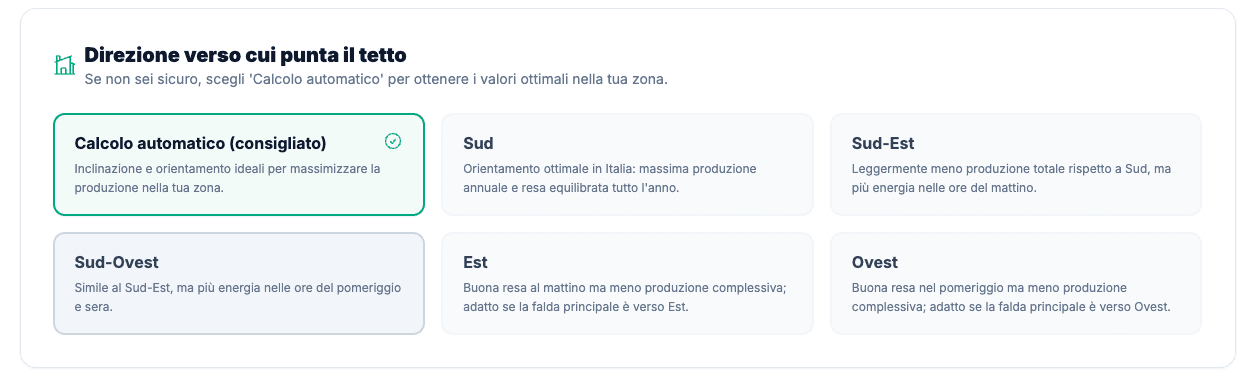
Orientation selection
You must indicate the roof orientation:
- Suggested (Default)
- Calculates production estimating the absolute best orientation and tilt for that geographic zone (maximum theoretical yield).
- Real
- If you know your roof's exposure, we recommend modifying this option by selecting the orientation most similar to reality for a more reliable result.
5
Start calculation
Once parameters are defined, click the calculate button located at the bottom.
What happens now?
Estimated time: 30 seconds
Ready to find out what your roof could do?
Nothing else needed. Enter your data and immediately get the full report of your system
No registration required